Codes
No confirmed Draw Your Cart promo codes yet (Nov 2026). Learn where drops appear, how redemption usually works, and safe watch spots.
View all CodesLive on Roblox · Fan Wiki
Roblox codes, cart builds, and fight guides.
Unofficial Draw Your Cart Roblox wiki covering codes, ink upgrades, boss fights, duel tips, and cart builds that win more matches.
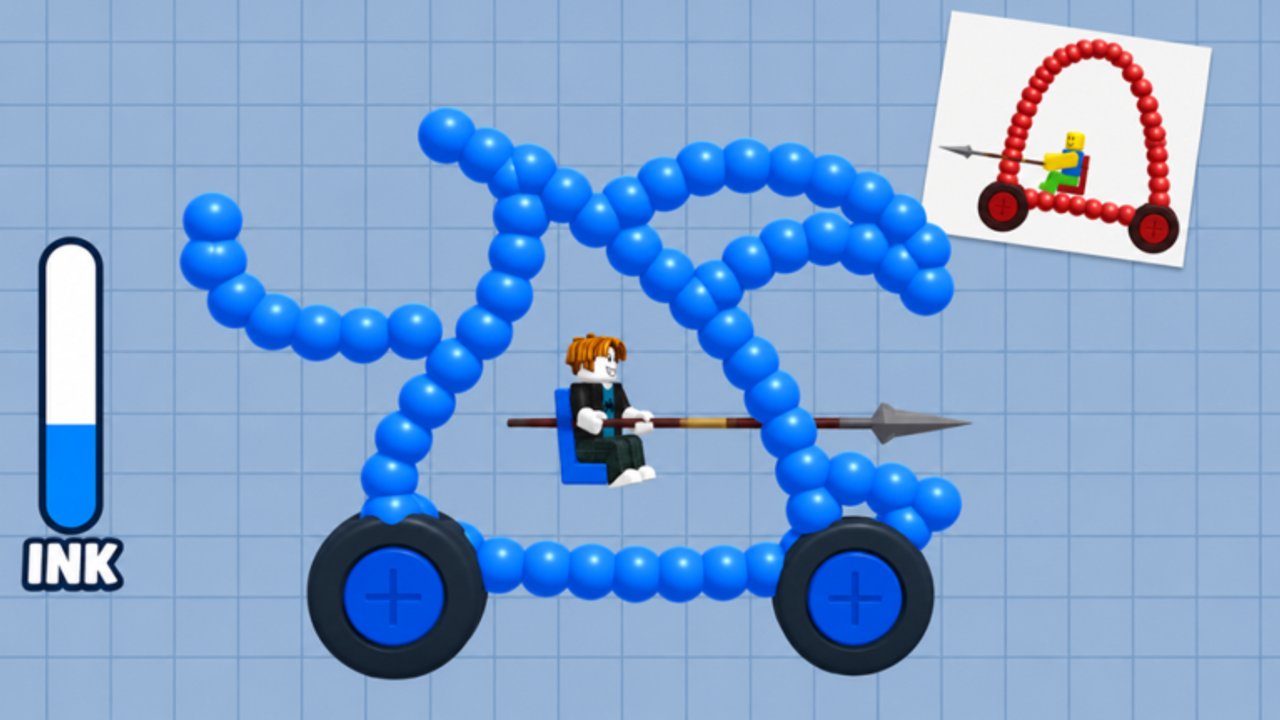
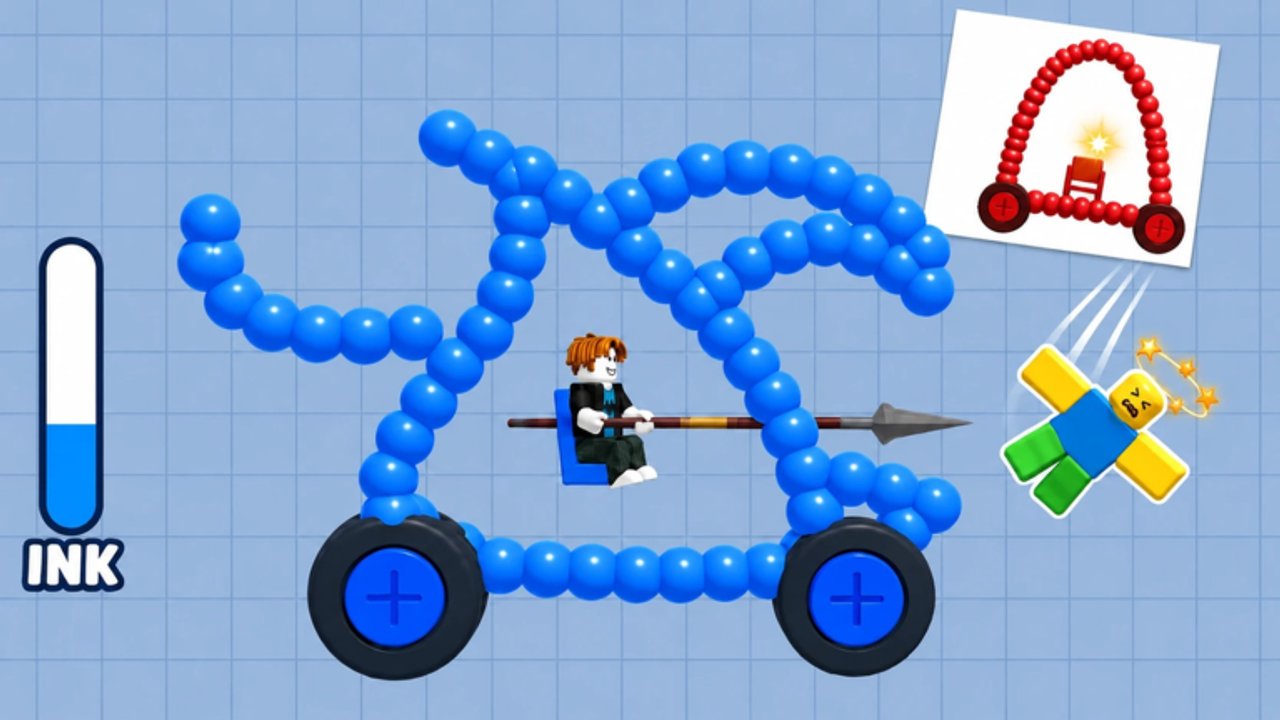
Draw Your Cart is a Roblox drawing combat game from SendyStudios. You sketch a cart with limited ink, connect your rider, wheels, and weapon, then fight AI and players by knocking riders off or pushing carts into the water. Every tenth win is a boss fight, and DUEL mode lets you challenge someone in your server. Spend coins on ink upgrades and unlock hats, balls, wheels, and flags in Skins. Start with the beginner guide, then check codes, the weapons tier list, and boss fight tips.
No confirmed Draw Your Cart promo codes yet (Nov 2026). Learn where drops appear, how redemption usually works, and safe watch spots.
View all CodesDraw Your Cart guides hub: controls, drawing, upgrades, duels, bosses, quests, skins, and beginner tips across every platform.
View all GuidesRank Draw Your Cart builds and weapons by ink efficiency, reach, stability, and boss viability. Open detailed weapon and cart lists.
View all Tier ListMeet SendyStudios and Adam (adamdoesroblx), creators of Draw Your Cart. Group info, how to follow updates, and safe community tips.
View all PlayersDraw Your Cart updates hub: Nov 9 2026 launch, early patches through Nov 25, live visits/CCU context, and what to re-test after fixes.
View all UpdatesNo widely verified Draw Your Cart scripts found yet. Learn account risks, how to evaluate future tools, and safer legit progress paths.
View all ScriptsOfficial Draw Your Cart links: Roblox game page, SendyStudios group, plus wiki hubs for codes, guides, tiers, updates, and scripts.
View all LinksRead the Getting Started guide so you know how ink, wheels, weapons, and FIGHT work before your first match.
Bookmark the Codes page. Redeem any live promo as soon as SendyStudios posts it — rewards expire fast.
Follow the Upgrades & Ink guide. More ink means stronger carts and cleaner weapon mounts.
Compare shapes on the Cart Builds Tier List and weapons on the Weapons Tier List.
Every tenth win is a boss — use Boss Fights. Ready for players? Open Duels.
Quick answers for Draw Your Cart players.
A drawing combat game by SendyStudios where you sketch a cart with limited ink, attach wheels and a weapon, then knock enemy riders off or push them into the water. See the game overview for the full loop.
Check the live list on the Codes hub. The game is new (released November 2026), so code drops may be rare at first — we update the page whenever a working code is confirmed.
Quests unlock after 10 wins. Career stats also open around that milestone. Details are in the Getting Started guide.
This wiki supports: English, Français, Deutsch, Español, Português (BR). Configure locales in site.meta.json and run npm run generate:i18n.
No. This is an unofficial fan resource. Always confirm announcements on the official Draw Your Cart Roblox experience page and SendyStudios channels.
Follow Getting Started, then How to Draw Carts, then spend early coins using Upgrades & Ink.
From first ink stroke to boss fights and duels, this wiki covers every Draw Your Cart mechanic. Start with the beginner guide or jump into codes and the cart builds tier list.
Start with the beginner guide