Draw Your Cart Codes
Honest status for a brand-new Roblox party fighter — no fake codes, clear watch list.
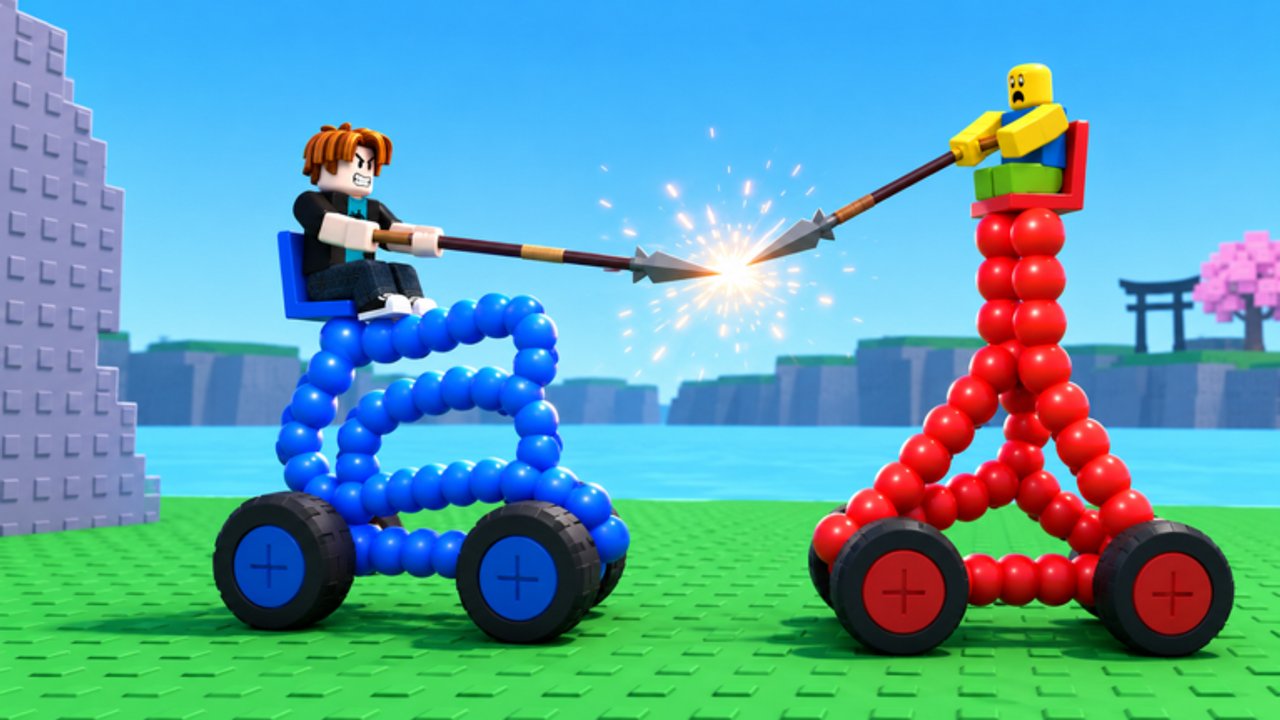
Looking for Draw Your Cart promo codes? This hub stays honest. The game launched on November 9, 2026 from SendyStudios (Adam / adamdoesroblx) and climbed fast — roughly 767K visits and strong concurrent players within weeks. That kind of launch often brings code drops later, but as of late November 2026 (visits ~767K; still no codes) there are no confirmed active promo codes that we can verify in-game.
If a random site lists a long string of “working” gifts for Draw Your Cart, treat it as unverified until you see it from the developer, the Roblox experience page, or the official community. Invented codes waste time and train players to click shady redeem sites. We will not pad this page with fake entries.
Current code status
- Active confirmed codes: none verified yet
- Expired / retired codes: none publicly tracked yet (too early in the game’s life)
- Last checked: late November 2026, after the experience continued receiving updates through November 25, 2026
When codes do appear, this hub will list the code text, known rewards (coins, ink boosts, cosmetics, or quest progress if offered), and any expiry notes we can confirm. Until then, the best “code strategy” is simply progressing legitimately: win matches, spend coins on upgrades and ink, unlock skins, and complete quests after your first 10 wins.
Where codes usually drop for Roblox games
SendyStudios and similar studios typically announce gifts in a few places. Bookmark these so you are ready the moment a code goes live:
- Roblox experience page — Draw Your Cart description updates, social links, and event banners.
- SendyStudios community / group — join and enable notifications: SendyStudios group (roughly 10.8K members at wiki research time).
- Developer socials — Adam posts as adamdoesroblx / AdamRBLX on YouTube and related channels; short-form clips and premiere streams often tease rewards.
- In-game mail, shop banners, or code UI — once a redeem box ships, check the lobby, shop, or settings menus after every patch.
Also skim our Updates Hub and launch notes after patches. Code UI and reward tables often arrive in the same early-life updates that tweak ink, bosses, or duel rules.
How redemption typically works (when a code UI exists)
Exact button labels can change, but Roblox party games usually follow a familiar pattern:
- Launch Draw Your Cart on Desktop, Console, Mobile, or Tablet.
- Reach the main lobby (do not stay stuck on the draw screen).
- Open Shop, Settings, Rewards, or a dedicated Codes button if one is added.
- Paste the code carefully — codes are often case-sensitive and reject extra spaces.
- Confirm, then check inventory, coin balance, ink upgrades, or cosmetic slots for the gift.
- Restart the experience once if the reward does not appear immediately after a busy server event.
If redemption fails, note whether the game says invalid, expired, already redeemed, or requires a minimum level/win count. Those messages matter when we document real codes later.
What not to do
- Do not buy “code generators,” Discord scam bots, or sites that ask for your Roblox password.
- Do not share account cookies or bypass links that promise free skins.
- Do not assume every TikTok comment under a Draw Your Cart clip is a live code.
- Prefer official channels and this wiki’s verified list once codes exist.
Progress while you wait for codes
Codes are nice, but they are not required to climb. Draw a stable cart with limited ink, add wheels and a weapon, press FIGHT, swipe to drive, and win by hitting the enemy rider, pushing them into water, forcing a ground crash, or breaking cart pieces. Every 10th win escalates into a giant boss fight. Use DUEL for 1v1 practice, bank coins into ink upgrades, then chase hats, balls, wheels, and flags. Career stats and quests unlock after you hit 10 wins — details live in Getting Started and the full Guides Hub.
For meta picks while farming wins, skim the Tier List Hub, then the focused weapons and cart builds pages. For creator context and where announcements originate, see the Players Hub and Links Hub.
How this wiki will update codes
When SendyStudios ships a redeemable string, we will:
- Confirm it in a live session when possible
- Record reward type and any limits (one-time, platform, win gate)
- Mark expiry or removal as soon as the code stops working
- Keep fake or phishing lists off this page
Bookmark the Codes Hub, check after major updates, and use legitimate progression guides in the meantime. No confirmed active codes yet — and that honesty is the useful answer until the first real drop lands.
Frequently Asked Questions
Quick answers for Draw Your Cart players.
Are there any working Draw Your Cart codes right now?
As of late November 2026, there are no confirmed active promo codes for Draw Your Cart. The game is brand new (launched November 9, 2026). We will list verified codes here as soon as they appear from official channels.
Where should I watch for new codes?
Check the Roblox experience page, the SendyStudios group (https://www.roblox.com/communities/698248102), Adam’s social posts, in-game banners after patches, and this Codes Hub plus the Updates Hub.
How do I redeem a code when one exists?
Open Draw Your Cart, reach the lobby, then look for a Codes, Rewards, Shop, or Settings redeem field. Paste carefully (case and spaces matter), confirm, and check coins, ink, or cosmetics. Restart once if a busy server delays the gift.
Can codes replace upgrades and quests?
No. Even after codes arrive, most progression still comes from wins, coin spending on ink upgrades, skins, duels, boss clears every 10 wins, and quests that unlock at 10 wins. See Upgrades and Ink and Getting Started for the legit path.
Why does this page refuse to list random codes from social comments?
Unverified lists are often expired, mistyped, or phishing bait. We only publish codes we can attribute to official or reliably confirmed sources so players do not waste time or risk accounts.